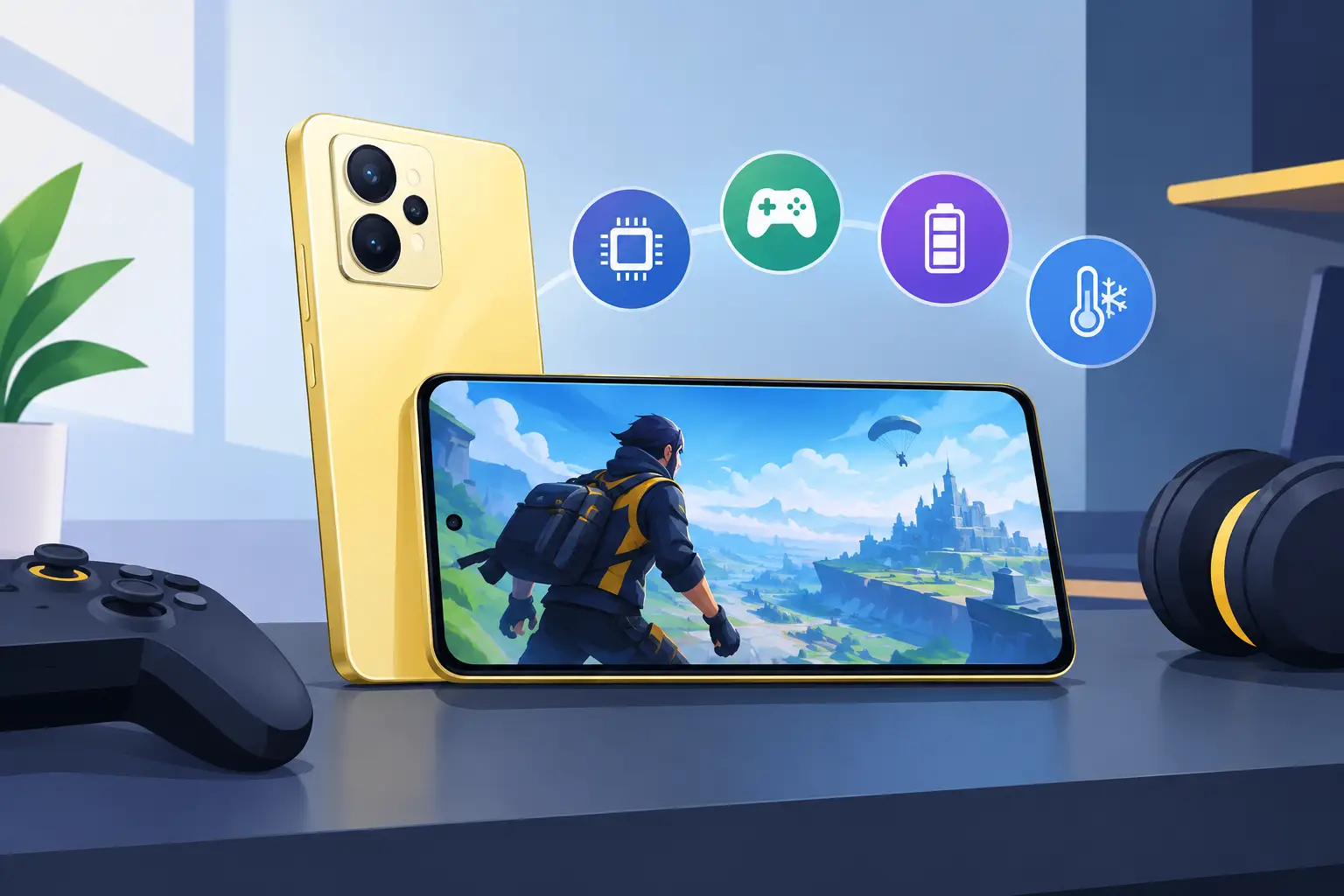
A game that stutters during the final team fight can make even a good deal feel like the wrong phone. When choosing a realme phone for gaming, do not judge it by RAM or a flashy back panel alone. The processor, cooling, display response, battery behavior, and storage speed decide whether Mobile Legends, Call of Duty: Mobile, Genshin Impact, or PUBG Mobile actually feel good after an hour of play.
Realme has phones across several price levels, which is good news for value-focused buyers. The trade-off is that not every model with a large battery or high refresh-rate screen is built for demanding games. Start with the games you play most, then match the phone to that workload instead of paying for specs you will not use.
What makes a realme phone for gaming worth buying?
The chipset is the first thing to check. It handles graphics, frame rate stability, heat output, and how quickly the phone loads demanding maps or switches between apps. For lighter titles such as Mobile Legends, Free Fire, Pokémon GO, and casual racing games, a capable midrange processor is usually enough. You can prioritize battery life, storage, and a good screen without stretching the budget too far.
For heavier games, the gap becomes obvious. Genshin Impact, Honkai: Star Rail, Warzone Mobile, and graphically demanding racing games put sustained pressure on the processor and graphics chip. A higher-tier Snapdragon or MediaTek Dimensity processor will generally hold smoother frame rates at better graphics settings. The key word is sustained. A phone can score well in a short benchmark but slow down after heat builds up during a long session.
Do not rely on the processor name alone. Different chip generations, RAM configurations, software tuning, and cooling designs can change the real result. Check performance reviews or test the exact model in person when possible, especially if gaming is your main reason for upgrading.
RAM helps, but it is not the whole story
For most players, 8GB of RAM is a sensible starting point. It gives the phone more breathing room for games, voice chat, browsers, and background apps. A 12GB version can be useful if you multitask heavily or keep games open while moving between social apps, but it will not turn an entry-level processor into a gaming chip.
Be careful with virtual or dynamic RAM figures in listings. This feature uses part of the internal storage as temporary memory. It can help a little with background apps, but it is slower than physical RAM and should not be treated as an equal replacement. Compare the actual installed RAM first.
Storage matters more than many buyers expect. Modern games can take up tens of gigabytes once resource packs, updates, saved clips, and other apps are included. A 128GB phone may work for a focused player, but 256GB is the safer pick if you rotate between several large titles or download media for offline use. Leaving free space also helps the phone stay responsive over time.
Screen speed, touch response, and comfort
A 90Hz or 120Hz display makes menus, scrolling, and supported games look smoother than a standard 60Hz panel. It is a nice upgrade for competitive games, but it is not a guarantee of higher in-game frame rates. The processor still needs to render those frames, and some games cap their frame rate depending on the device and settings.
Touch sampling rate is another spec worth checking for shooters and MOBAs. A faster touch response can make aiming, swiping, and rapid skill inputs feel more immediate. It will not replace practice, but it can reduce that slight delay that frustrates players in close fights.
Screen size is personal. A larger display gives you more room for on-screen controls and makes maps easier to read. It can also make the phone heavier and harder to reach across one-handed. If you commute or play in short bursts, a lighter phone may be the better everyday choice. If you mainly play at home with both hands, a larger panel can be more comfortable.
Brightness matters in Singapore, where outdoor use is common. A bright display helps when you are checking messages, playing a quick match, or navigating under daylight. For late-night gaming, look for good brightness adjustment and eye-comfort settings rather than assuming the highest refresh rate is all that matters.
Cooling and battery are the long-session test
Every phone gets warm during gaming. The question is whether it stays comfortable and stable after 30 to 60 minutes. When internal temperatures rise too much, the phone may reduce performance to protect its components. That is when frame drops start appearing even though the game was smooth at launch.
A realme phone with a larger cooling area or vapor-chamber-style thermal design can be a better fit for long sessions, especially in warm rooms. Still, no slim phone is immune to heat. Playing while charging, using maximum brightness, poor mobile signal, and a thick case can all raise temperatures quickly.
Battery capacity gives you an estimate of endurance, but it cannot tell the full story. A larger battery is useful, yet a power-hungry chipset, high brightness, and 5G data can drain it faster than expected. For gaming, it is better to look for a balanced combination of battery size and efficient hardware than chase the biggest number on the box.
Fast charging is a practical advantage. It means less waiting between classes, work, or errands and your next gaming session. However, avoid treating fast charging as a reason to play plugged in all the time. Gaming while charging creates extra heat, which can affect comfort and long-term battery health. Charge up first when you can, remove an insulating case for long sessions if the phone gets hot, and use a reliable charger and cable.
Choose settings that match your phone
A good gaming phone does not need every setting at maximum. In fact, many experienced players lower a few graphics options to get steadier frame rates and better battery life. In competitive games, a stable frame rate is usually more useful than high shadows or detailed effects.
Start with the game’s recommended settings, then adjust one area at a time. If the phone warms up or frames become inconsistent, reduce graphics quality before reducing frame rate. Turn off features you do not notice during play, such as high-detail shadows or extra visual effects. Keep the phone software and game updated because performance fixes often arrive through updates.
Most realme phones also include a game-focused mode or game space feature. Depending on the model and software version, it may block notifications, prioritize performance, prevent accidental gestures, or show a performance overlay. Set it up before a ranked match, not when the loading screen is already counting down.
New, used, or higher storage: where should the money go?
If the budget is fixed, prioritize in this order: chipset performance, enough physical RAM, sufficient storage, then extras such as camera upgrades or a premium finish. A phone that takes nicer photos but struggles with the games you play is not the best gaming buy.
A verified pre-owned phone can also be a smart route to a stronger processor for the same budget. Check the stated device condition, battery health where available, screen condition, charging function, speakers, buttons, cameras, and network support. Test the display for touch issues and look for signs of heavy heat exposure or repairs. A clean, inspected used model with better hardware may outperform a brand-new budget phone in demanding games.
At Gadget Affair, buyers who prefer to inspect a device can visit the Burlington Square store to check the feel of the screen, size in hand, and overall condition before deciding. That is especially useful when choosing between a newer entry-level phone and an older, more powerful model.
A practical buying checklist
Before paying, confirm these details on the exact storage and RAM variant you are considering:
- The processor model, not just the phone series name
- Physical RAM and internal storage capacity
- Display refresh rate and whether your favorite games support it
- Battery capacity, charging speed, and included charger details
- Thermal design or reports of performance during longer gaming sessions
- Local set warranty status, network compatibility, and stated device condition if buying used
Also think about the accessories you already have. A grippy case can prevent drops, but a very thick case may trap heat during extended play. A proper screen protector is helpful if you use claw controls, and a reliable power bank is more practical than constantly gaming on a charging cable. Wireless earbuds are convenient, but low-latency wired or gaming-focused audio can be better for competitive titles where sound cues matter.
The right realme gaming phone is the one that runs your actual games smoothly, fits your storage needs, and still makes sense at the price you are paying. Pick the performance level you will use every week, not the biggest spec number on the product page.