A used iPhone battery health example can tell you more about daily usability than a small scratch on the frame. Two phones may look equally clean, have the same storage, and be priced close together, but the one with 98% battery health will usually give you more time between charges than one at 81%. That does not automatically make the 81% phone a bad buy. It means you should know what you are paying for and what may need attention later.
For a used iPhone, battery health is one of the first details worth checking alongside model, storage capacity, screen condition, camera function, Face ID, and network support. It is a useful number, but it is not the whole condition report.
What Battery Health Means on a Used iPhone
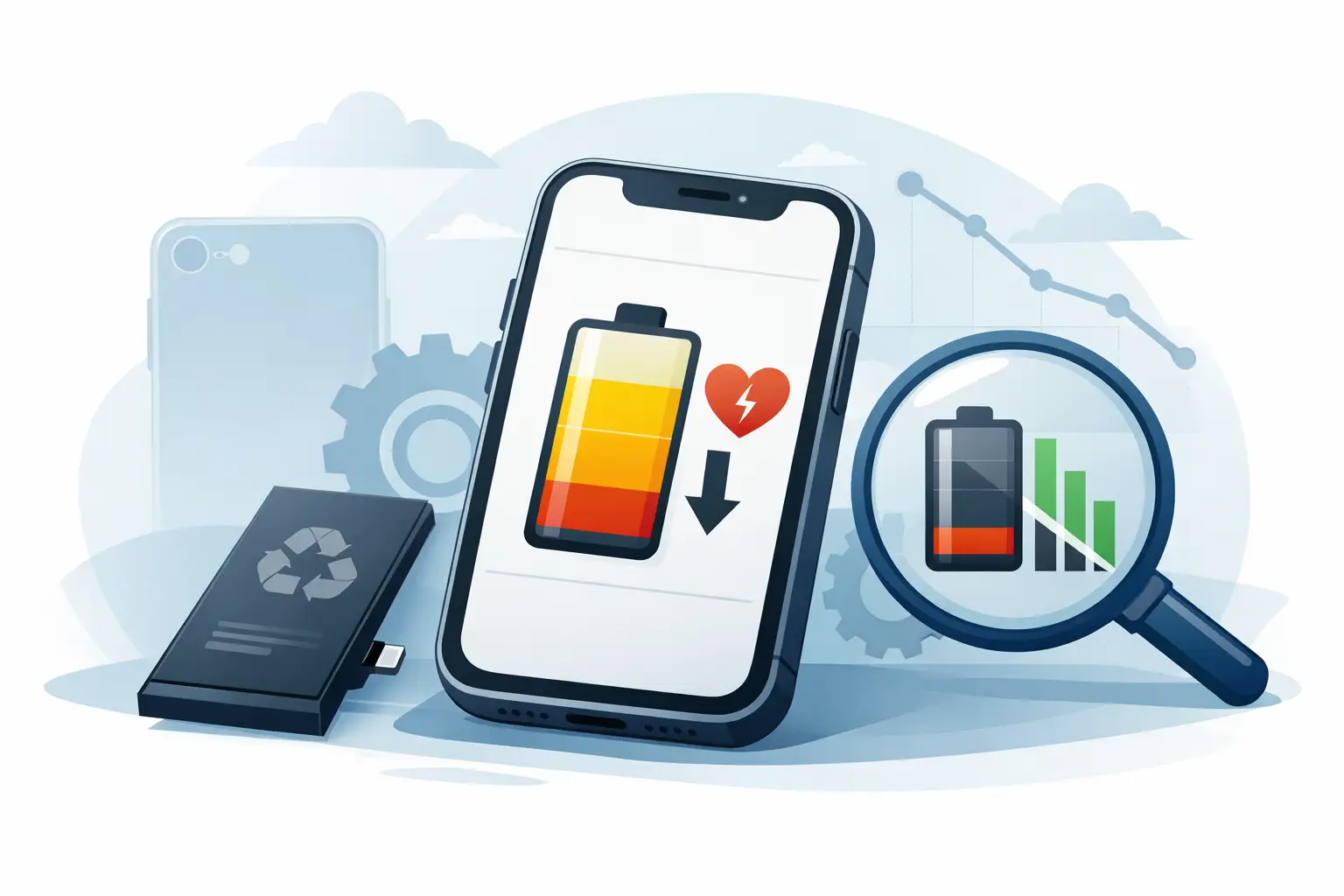
Battery Health is Apple’s estimate of an iPhone battery’s maximum capacity compared with when it was new. A battery showing 90% maximum capacity can hold about 90% of the charge it held when new. In practical terms, it may need charging earlier in the day than an identical iPhone at 100%.
You can usually find it by opening Settings, selecting Battery, then Battery Health & Charging. The key figure is Maximum Capacity. Some iPhones may also show a message about peak performance capability, battery service, or an unknown part.
Do not treat the percentage as a guaranteed number of screen-on hours. A 90% reading on an iPhone used mainly for messaging can feel perfectly adequate. The same 90% battery may feel limiting for someone who streams video, uses navigation, plays games, or relies on hotspot data throughout the day. Signal strength, display brightness, app activity, and the age of the model all affect real-world battery life.
Used iPhone Battery Health Examples
The examples below give a practical way to read the number when comparing pre-owned phones.
Example 1: 98% Battery Health
An iPhone with 98% battery health is close to new capacity. It is often a strong choice for buyers who want a used device with minimal battery compromise, especially if they keep their phones for several years. The higher price can make sense when the rest of the condition is equally good.
Still, 98% does not mean the phone is new or that it has never been charged many times. It simply indicates that the battery currently retains a high estimated capacity. Check the rest of the device as carefully as you check that number.
Example 2: 90% Battery Health
A used iPhone at 90% battery health is generally a comfortable middle ground. Many buyers will get normal day-to-day use from it, particularly on newer or larger iPhone models. If the price is fair, 90% can offer good value without creating an immediate need for a replacement battery.
For a student, office user, or buyer who can charge at home and at work, this range is often practical. A heavy user should compare it against a higher-health option before deciding, especially if the price difference is small.
Example 3: 85% Battery Health
At 85%, the trade-off becomes more noticeable. The phone may still work well, but you should expect shorter battery life than a higher-health unit. This can still be a sensible purchase if the model, storage, cosmetic condition, and price all line up with your needs.
For example, an iPhone with 85% health at a meaningful discount may be better value than paying much more for one at 89%. The money saved can offset a future battery replacement. But if both phones cost almost the same, the higher-health device is usually the better buy.
Example 4: 80% Battery Health or Lower
Around 80%, iPhones may display a service recommendation. Apple commonly considers batteries at this level more worn, and some users may notice faster drain, more frequent charging, or reduced performance under heavy load. It is not necessarily a reason to reject the phone, but it should be reflected clearly in the price.
A low-health iPhone makes the most sense for a budget buyer, a secondary phone, a child’s device, or someone planning to replace the battery soon. If you need reliable all-day use without carrying a power bank, a higher percentage is usually the safer choice.
Battery Health Is Not the Same as Overall Phone Condition
A high percentage can be reassuring, but it cannot confirm that every part of the iPhone is in good shape. A device at 100% battery health may have had a battery replacement. That can be fine if the repair was done properly, but you should check whether iOS shows an important battery message or reports that it cannot verify the battery as a genuine Apple part.
On the other hand, an iPhone at 84% may be fully functional, with an excellent display, working cameras, responsive buttons, good speakers, and no repair warnings. The best buying decision comes from looking at the whole phone, not chasing one number.
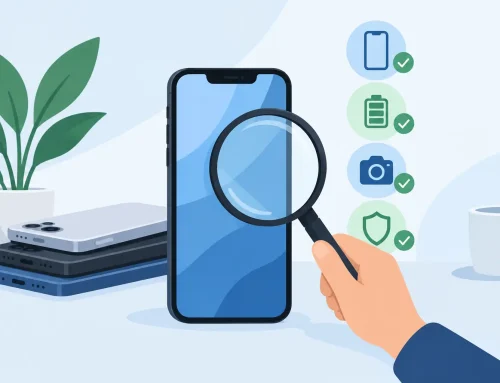
When inspecting a used iPhone, test charging, cameras, microphone, speakers, touchscreen response, Wi-Fi, Bluetooth, Face ID or Touch ID, and the physical buttons. Confirm that the device is not activation locked and that the IMEI status is clear. Battery health belongs in that checklist, not above it.
How to Compare Two Used iPhones Fairly
Start by comparing the same model and storage variant. Battery health has more value when every other major detail is equal. A 128GB iPhone at 86% may still be a better fit than a 64GB version at 92% if you need the extra storage for photos, apps, and videos.
Then consider the price gap. A difference of one or two percentage points should not command a large premium. Battery health is an estimate, and normal use will continue to reduce it over time. A difference of 10 percentage points, particularly near the 80% range, is more meaningful and may justify paying more.
Also think about your charging habits. If you work near a charger, commute with a power bank, or use the phone lightly, 85% may be enough. If the iPhone is your primary work phone and you spend long days outside, paying for stronger battery health can save inconvenience from day one.
Questions Worth Asking Before You Buy
Ask whether the battery is original or replaced, whether the phone shows any battery or parts warning, and whether you can view the Battery Health screen before payment. If the seller cannot show the setting, do not assume the percentage is accurate.
It is also reasonable to ask what testing has been completed. At Gadget Affair, in-store viewing and testing can help buyers check a pre-owned phone directly instead of relying only on a listing photo. Turn on the display, open the camera, plug in a charger, and review the battery information yourself.
A seller should be clear about the device condition and price. For used phones, transparency matters more than a perfect-looking percentage. A fair listing tells you where the compromise is, whether that is battery wear, cosmetic marks, storage capacity, or included accessories.
When a Battery Replacement Makes Sense
Battery replacement may be worth considering when health is around 80% or lower and the phone still meets your needs in every other way. It can improve daily runtime and may help with performance concerns caused by a worn battery. Before spending on a replacement, compare the total cost of the phone plus repair against a used iPhone with better battery health already included.
This is especially relevant for older models. A low-cost older iPhone can look attractive, but a new battery does not add newer cameras, longer software support, or faster performance. Sometimes moving up one model generation is the better use of your budget.
The right used iPhone is not always the one with the highest battery percentage. It is the one whose condition, storage, price, and expected battery life match how you actually use your phone. Check the number, test the device, and make sure the deal still makes sense after you account for the charging routine you are willing to live with.