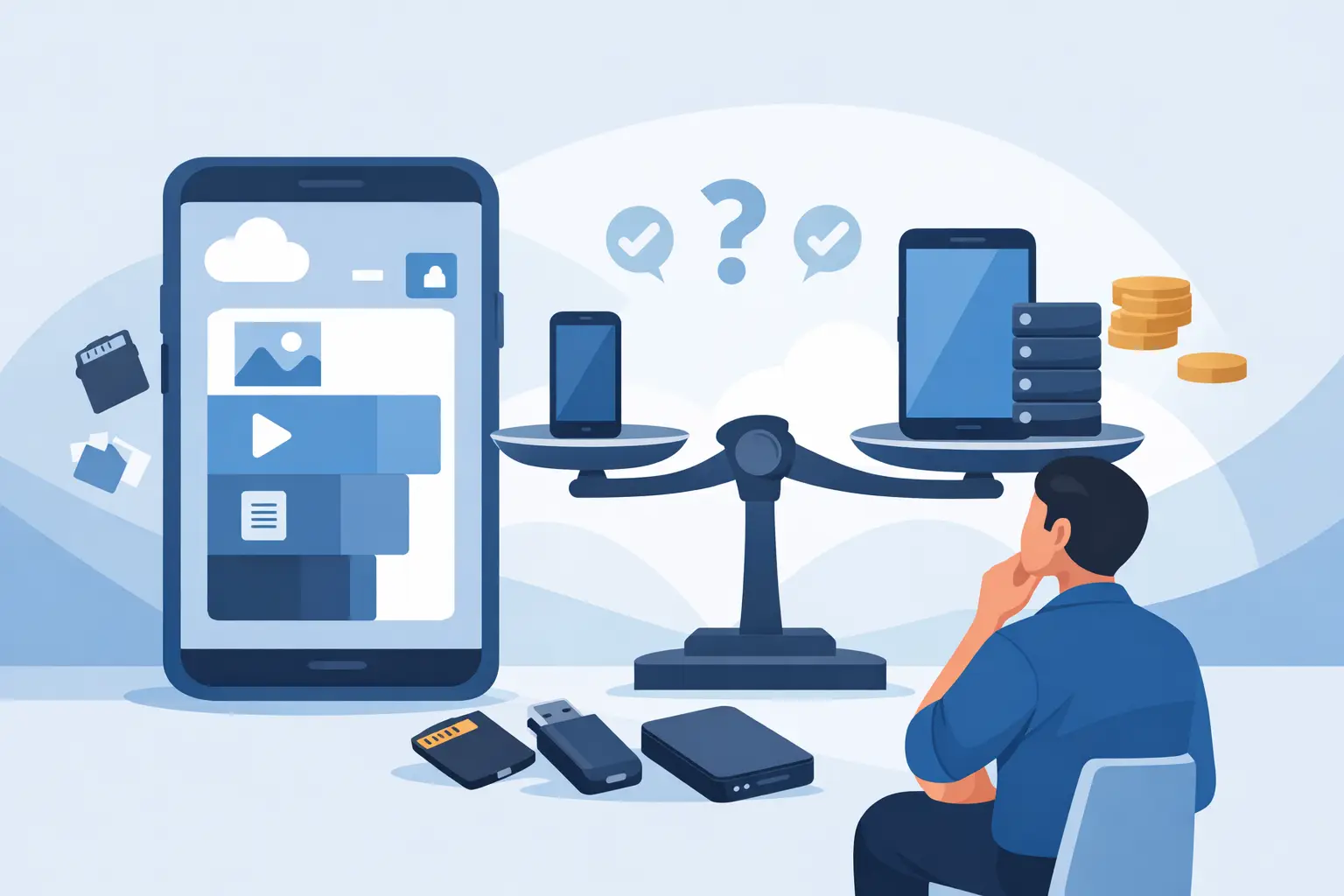
A phone that feels full after six months is frustrating. So is paying extra for 1TB of storage when you mainly use WhatsApp, banking apps, and a few photos. Knowing how to choose phone storage comes down to your real habits, not the biggest number on the product listing.
Storage affects how many photos, videos, apps, downloads, and files your phone can keep locally. It also affects resale value and how long the phone remains comfortable to use. Before comparing models, decide what you keep on your phone and what you are willing to back up or delete.
How to Choose Phone Storage for Your Daily Use
Start with the storage on your current phone. Check how much is used, then look at which categories are taking up space. Photos, videos, social media apps, offline downloads, and games are usually the main reasons storage disappears faster than expected.
Do not base your choice only on what you use today. A new phone is often kept for two to four years, and app sizes, camera file sizes, and video quality tend to increase over time. If your current 128GB phone is already close to full, buying another 128GB model may only repeat the problem.
The advertised capacity is not fully available on day one. The operating system, pre-installed apps, and system files take up part of the storage. A 128GB phone may have closer to 100GB to 115GB available depending on the brand and software. This is normal, but it is a reason to leave some breathing room instead of choosing the exact minimum you think you need.
64GB: Only for light users
A 64GB phone can still work for calls, messages, web browsing, banking, and basic social media. It is most suitable for someone who uses cloud photo backup, does not record much video, and keeps only a small number of apps installed.
For most buyers, 64GB is now a short-term choice. System updates and everyday apps take up more space than they used to. It can be a sensible option when the price is very low, especially for a secondary phone, a child, or an older user with simple needs. Just expect to manage photos and downloads regularly.
128GB: The practical starting point
For many people, 128GB is the best value starting point. It gives enough room for common apps, several thousand photos, some videos, and offline music or streaming downloads without constant cleanup.
Students, office workers, and casual users will usually be comfortable with 128GB if they back up photos occasionally. It is also a common storage tier across new and used phones, which gives you more models and price points to compare.
Choose 128GB if you mostly take normal photos, stream instead of downloading large libraries, and do not play many large mobile games. It is a good balance when budget matters, but it is not the right choice for heavy camera or gaming use.
256GB: Best for most long-term buyers
A 256GB phone gives more freedom to use the camera, save files, and install apps without checking storage every few weeks. It is a strong choice if you plan to keep the device for several years, use it for work, or record regular videos of family events, travel, or content.
This capacity makes particular sense on phones with high-resolution cameras. Modern devices may save 4K video, high-frame-rate clips, RAW images, or detailed portrait photos. These files look good, but they add up quickly. A few long 4K videos can use several gigabytes.
For many buyers, 256GB is the upgrade worth paying for. The price difference from 128GB is often easier to justify than moving from 256GB to 512GB, especially when you factor in longer usable life and better demand when it is time to sell or trade in the phone.
512GB and 1TB: Buy for a clear reason
Higher capacities are useful, but they are not automatically better value. Consider 512GB or 1TB if your phone is also your main camera, a gaming device, or a work tool that holds large files locally.
These capacities suit people who record lots of 4K video, shoot and edit content, save offline maps and media for travel, download large games, or keep work documents and media on-device. Some games can take 10GB to 30GB each after updates and extra content. If you play several titles, storage can disappear fast.
If none of those sound like your routine, the money may be better spent on a phone with a better battery, camera, display, or longer software support. More storage does not make the processor faster or improve photo quality by itself.
Check Your Camera and Video Habits
Camera use is one of the biggest factors when choosing phone storage. Photos are manageable for many users, but video changes the calculation. A short clip at standard quality may use little space, while 4K recording, slow-motion video, and long recordings can fill a phone surprisingly fast.
Think about your last vacation, concert, family gathering, or event. Did you take dozens of videos and leave them on your phone? Do you edit clips for social media? Do you use your phone to scan receipts, documents, and notes for work or school? If yes, 256GB is usually safer than 128GB.
Cloud backup helps, but it is not the same as local storage. It may require a subscription, a stable internet connection, and time to upload large files. You may also want certain photos and videos immediately available when you have poor reception or no Wi-Fi. Choose storage based on what you want to keep with you, not only what can be moved elsewhere later.
Apps, Games, and Offline Downloads Matter Too
Many buyers underestimate app storage. Social media apps build up cached images and videos. Messaging apps can retain years of photos, voice notes, and attachments. Streaming services save downloads for flights, commutes, or travel. Navigation apps may store offline maps.
Gaming needs deserve separate attention. Casual puzzle and card games do not usually require much space. High-end action, racing, and open-world games are different. They can be large at installation and grow further with updates. If gaming is a major reason for buying a phone, start at 256GB and consider 512GB if you keep multiple large games installed.
For work, storage needs depend on the job. A phone used for email and messaging needs little extra capacity. A phone used to capture product photos, create videos, download presentations, handle PDFs, or store customer files will benefit from more room. Keep business and personal use in the same calculation.
Do Not Confuse Storage With RAM
Phone listings often show both RAM and storage, and they do different jobs. Storage is where your photos, apps, videos, and files live. RAM helps the phone keep apps open and switch between tasks smoothly.
A phone with 12GB of RAM and 128GB of storage is not the same as one with 8GB of RAM and 256GB of storage. If storage is your concern, compare the GB capacity listed as storage, ROM, or internal storage. If you want smoother multitasking and gaming, look at RAM as well.
Some Android phones support microSD cards, which can expand storage for photos, videos, and documents. This can be useful for value-focused buyers, but check the model carefully because many newer phones do not have a card slot. Also, not every app or game can be moved to a memory card, and card speed can affect performance.
Match Storage to the Phone’s Expected Lifespan
A lower-capacity phone can be a smart purchase if you upgrade often. If you typically change phones every year or two, 128GB may be enough when your usage is moderate. It keeps the upfront price lower and gives you more choices in sale and pre-owned models.
If you plan to keep the phone for three years or longer, choose with more margin. Software updates, larger apps, and your growing photo library can turn an acceptable capacity into a daily annoyance. A 256GB version may cost more now, but it can reduce the need to replace the phone early.
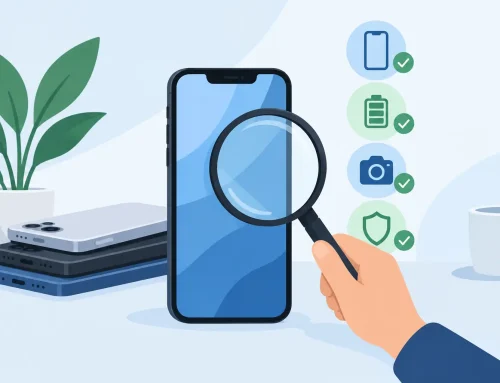
Storage can also matter when you sell or trade in a device. Condition, battery health, model, and market demand remain the main factors, but higher storage variants are often easier to position for buyers who want a phone ready for heavier use. When comparing a new or inspected used phone, check both the capacity and the price gap before deciding.
At Gadget Affair, buyers can compare storage variants across mainstream and value-focused brands, including used devices that can be tested in-store. The right deal is not always the cheapest version. It is the phone that has enough space for the way you will actually use it.
Before you buy, check your current storage screen one more time. If you are already deleting photos, moving apps, or ignoring update alerts, give yourself more capacity. A little extra storage is usually cheaper than the hassle of constantly making room.