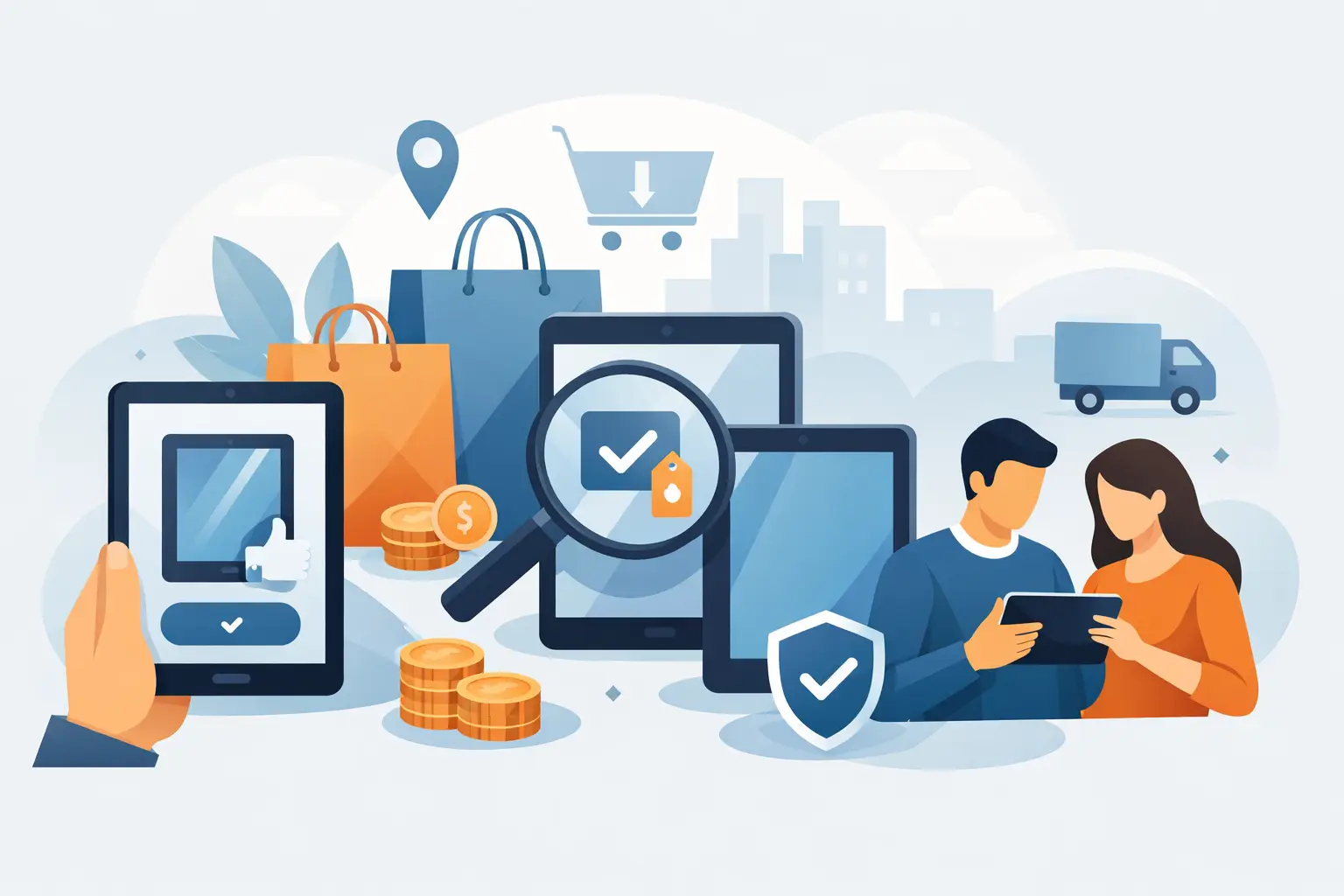
A used tablet can be a smart buy when a new model costs more than you need to spend. The question is where to buy used tablets without inheriting someone else’s battery problem, locked account, cracked screen, or missing accessories. A good deal is not simply the lowest price. It is a device you can inspect, activate, and use with confidence.
For students, families, casual streaming users, and buyers who need a dependable screen for work or travel, a pre-owned iPad, Samsung Galaxy Tab, or Android tablet can offer strong value. The key is choosing the right seller and checking the details that actually affect daily use.
Where to Buy Used Tablets With Less Risk
The safest place to start is an established electronics retailer that clearly states the tablet’s condition, storage capacity, model, included items, and warranty or return terms. A retailer that handles used devices regularly has more to lose from selling a faulty unit than an anonymous seller does. It should also be able to answer direct questions about battery health, screen condition, charging, software version, and account status.
A physical store adds another advantage: you can see the tablet before paying. Turn on the display, check the cameras, test the speakers, connect to Wi-Fi, and make sure the charging port holds the cable securely. For buyers in Singapore, visiting Gadget Affair at Burlington Square lets you inspect available used devices in person and ask about the unit in front of you, rather than relying only on photos.
Online marketplaces can have lower asking prices, but they require more caution. Some private sellers are honest upgraders. Others may use stock photos, leave out defects, or sell devices with unresolved ownership issues. If you choose a peer-to-peer platform, meet in a safe public place, test the tablet fully, and do not send payment before you have verified the device.
Refurbished-device specialists can also be worth considering, especially if they provide a clear grading system and after-sales support. Read what the grade means. “Good” may mean light cosmetic wear on one seller and noticeable scratches or a worn battery on another. The description matters more than the label.
Choose the Right Seller, Not Just the Lowest Price
A tablet listed at a very low price can look tempting until you factor in the cost of a new charger, replacement battery, screen repair, or a model that no longer receives useful software updates. Compare offers based on the full package: the exact model, storage, cellular or Wi-Fi version, cosmetic condition, battery condition, accessories, and seller support.
A reliable used-tablet listing should make the basics easy to find. You should know whether it is a local set, whether it has been reset, and whether it is ready for a new account. If the seller cannot confirm the model number or storage size, walk away. Those are not minor details. Two tablets with the same name can differ widely in performance, connectivity, and resale value.
There is also a practical trade-off between older premium models and newer budget models. An older iPad may have better app support, build quality, and accessory availability than a low-cost new tablet. On the other hand, a newer Android tablet may offer a fresher battery and longer remaining software support. The best choice depends on what you plan to do with it.
Check These Before You Pay
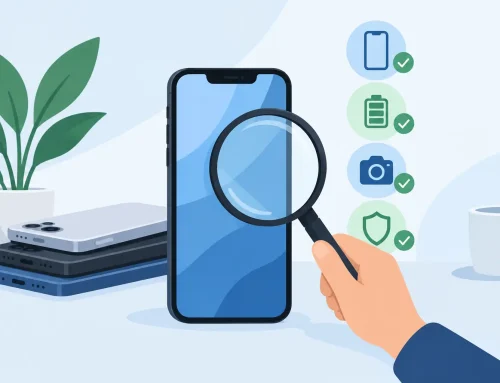
Do not judge a used tablet only by its exterior. A clean casing does not guarantee healthy internal components. Take a few minutes to check the functions that are expensive or inconvenient to repair.
Start with the screen. Open a plain white image or settings page and look for dead pixels, uneven brightness, yellow patches, burn-in, or flickering. Then test touch response across the whole panel, including the corners. On a tablet with a stylus, pair it if possible and check whether writing tracks correctly.
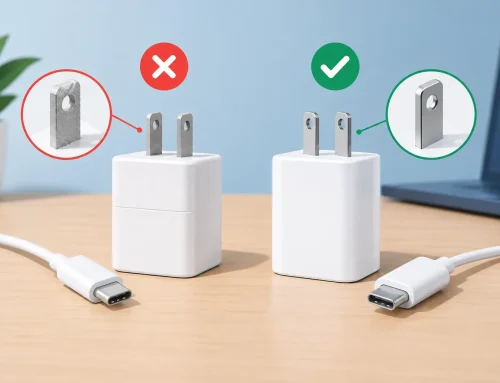
Next, connect the charger. The battery percentage should increase normally, and the port should not feel loose. Ask how long the battery lasts under regular use if that information is available. Used batteries naturally have some wear, but rapid draining, unexpected shutdowns, or excessive heat are warning signs.
Test the cameras, microphone, speakers, volume buttons, power button, fingerprint reader, face unlock, Bluetooth, and Wi-Fi. If it is a cellular tablet, confirm that it detects a SIM or eSIM as expected. A device that cannot connect properly may be far less useful than its price suggests.
Before completing the purchase, make sure the previous owner’s account has been removed. For Apple devices, Activation Lock must be off. For Android devices, verify that there is no Google Factory Reset Protection issue. You should be able to restart the tablet, connect to Wi-Fi, and sign in with your own account. Never accept a promise that the seller will remove the lock later.
Match the Tablet to the Job
Buying the right used tablet starts with a realistic view of your needs. For web browsing, email, video calls, reading, and streaming, an entry-level model with 64GB of storage can be enough if you mostly use cloud services. If you download games, edit photos, keep many offline videos, or use the tablet for school files, 128GB or more is usually the safer choice.
Screen size matters as well. An 8-inch tablet is easier to carry and useful for reading, navigation, and quick entertainment. A 10- or 11-inch model is more comfortable for notes, split-screen work, and long video sessions. Larger tablets can replace a light laptop for some users, but they are heavier and often cost more once you add a keyboard case and stylus.
For children, prioritize a sturdy case, parental controls, and a model that still supports current apps. For students, look at note-taking compatibility, keyboard options, and enough storage for documents. For work, check whether the apps you rely on run properly on the operating system version. A cheap tablet is not a bargain if it cannot run your school, banking, or work apps.
Understand Condition Grades and Included Items
Cosmetic wear is normal on used electronics. Light scratches on the back may not matter if the screen, battery, and buttons work properly. Deep screen scratches, dents near the frame, gaps in the casing, or signs of water damage are more serious because they can point to impact damage or future reliability issues.
Ask what is included. A tablet without its original box is not necessarily a problem, but you should know whether the price includes a compatible charger, cable, stylus, keyboard, or case. A missing charger is easy to replace, but poor-quality charging accessories can affect safety and charging speed. If an original accessory is part of the reason you chose a model, test it before leaving.
Also check the return or exchange policy. A short testing period can make a real difference because some issues only appear after a few hours of use. Keep your receipt, record the serial number, and take note of the condition when you receive the device.
Avoid Deals That Create Problems Later
Be careful when a seller pressures you to pay immediately, refuses basic testing, or claims they do not know the password because the tablet belongs to a relative or friend. Those situations can lead to locked devices and no way to recover your money. A legitimate seller should understand why you need to confirm account removal and core functions.
Avoid units with swollen batteries, cracked displays that expose sharp edges, charging ports that only work at a certain angle, or unexplained “parts replaced” claims. Repair history is not automatically bad, but it should be disclosed. A professionally repaired screen may be fine; an unknown replacement part with poor touch response is not the same thing.
Finally, do not buy based on brand name alone. A used tablet should fit your budget, your apps, and the amount of time you expect to keep it. Paying slightly more for a clean, tested device from a seller that stands behind it is often cheaper than chasing the lowest listing and paying for repairs later.
A good used tablet should feel ready to use from the first day: charged, reset, tested, and priced fairly for its condition. Take the extra few minutes to inspect it properly, and your savings can go toward the accessories and data plan that make the tablet more useful.