You have picked the phone, checked the storage, and compared the price. One detail can still affect how easy the device is to use: eSIM versus physical SIM cards. The better choice is not automatically the newer one. It depends on your carrier, how often you travel, whether you switch phones regularly, and what the phone actually supports.
For most everyday users, both options provide the same core service: calls, texts, and mobile data. The difference is how your number and plan are stored and moved. Here is the practical comparison to make before you buy a new or pre-owned phone.
eSIM Versus Physical SIM Cards: The Basic Difference
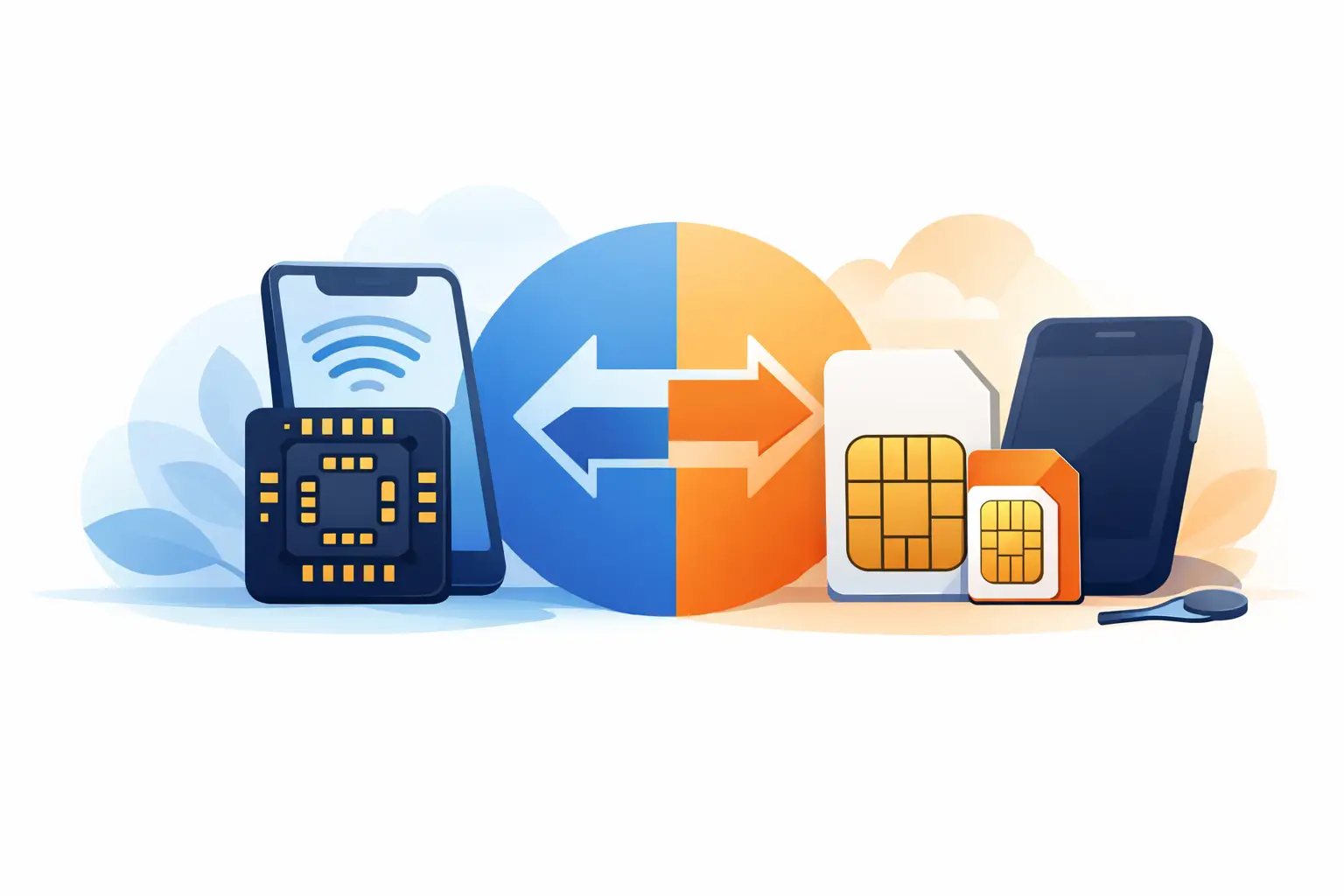
A physical SIM is the small removable chip that goes into your phone’s SIM tray. It holds the information your carrier needs to recognize your line. If you change compatible phones, you can usually remove the card, insert it into the new device, and continue using your number after the phone connects to the network.
An eSIM is an embedded SIM. The chip is built into the phone, smartwatch, or tablet, so there is no card to insert. Your carrier activates it digitally, often through an app, QR code, or account setup process. You can then add, remove, or switch mobile plans from the device settings, subject to the carrier’s rules.
Neither option changes your signal quality by itself. A weak signal is usually about carrier coverage, network congestion, your location, or the phone’s supported bands – not whether the line is on an eSIM or a physical card.
Where eSIM Makes Life Easier
The biggest advantage of eSIM is convenience during setup. There is no tiny card to handle, no SIM ejector tool to find, and no risk of installing the card the wrong way around. On a supported phone and carrier, activation can be done without visiting a store.
It is also useful for travelers. Many newer phones can keep your primary number active on one line while using a travel eSIM for data. That means you can receive calls or verification texts on your normal number and avoid relying entirely on expensive roaming data. Before buying a travel plan, check that your phone is unlocked and that the plan works in your destination.
eSIM can be especially practical on devices with limited physical space. Some phones support two active eSIM lines, while others pair one eSIM with one physical SIM. This is handy if you carry separate work and personal numbers, or if you need a temporary data line.
There is a security benefit too. If a phone is lost, someone cannot simply remove an eSIM and place it in another phone. That said, an eSIM does not make a phone theft-proof. Use a strong screen lock, device tracking, and account security. A thief may still try to access your accounts or request a fraudulent transfer through social engineering.
When a Physical SIM Is Still the Smarter Buy
Physical SIM cards remain popular for good reasons. Their main advantage is straightforward phone switching. If your current phone stops working and you have a compatible backup, moving the SIM card can get you connected quickly. With eSIM, you may need to log in to your carrier account, scan a new activation code, or contact support before service is restored.
That difference matters when you buy and sell devices often. A physical SIM lets you test calls, texts, and data in another compatible phone without changing the account setup. For users who trade in, repair, or rotate between a work phone and personal phone, the familiar card swap is hard to beat.
Physical SIM is also the safer choice when carrier eSIM support is limited or unclear. Not every prepaid plan, budget carrier, smartwatch plan, or international provider handles eSIM activation the same way. Some carriers make it quick; others require extra verification or have restrictions on transfers.
A removable SIM can also be useful if you are passing a device to a family member or preparing it for resale. Remove the card, then erase the phone properly. With eSIM, you need to erase the eSIM plan from settings as part of the reset process. Do not skip that step, especially if the phone contains a personal number.
Compatibility Is More Important Than the SIM Type
Do not assume every new phone is eSIM-only or that every older phone accepts eSIM. Support varies by model, region, and carrier. Even the same phone name can have different SIM configurations in different markets.
Some recent premium phones use eSIM only in certain regions. Many Android phones still include a physical SIM tray, while offering eSIM on selected models. Budget devices are more likely to rely on physical SIM only, although that is gradually changing. Tablets and wearables have their own rules, too.
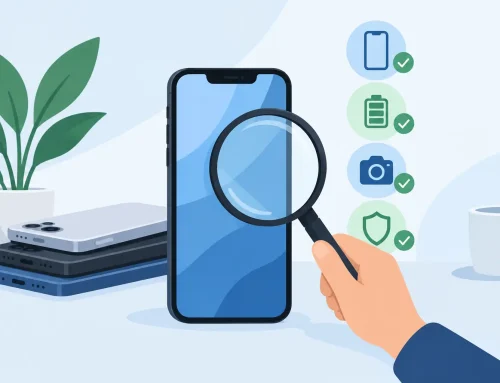
Before paying for a device, confirm four things: whether it is carrier-unlocked, whether it supports the network bands you need, whether it has a physical SIM tray, and whether its eSIM feature works with your carrier. For a used phone, also make sure it has been fully reset, is not account-locked, and has no outstanding device or carrier restrictions.
This is where a clear product listing and an in-store test can save time. At Gadget Affair, customers comparing local sets or inspected pre-owned phones should ask about the exact model variant, not just the product name. A quick check before purchase is far better than discovering that your plan will not activate after you get home.
Switching Phones: What Actually Happens
Moving a physical SIM is usually simple. Power down both phones if possible, move the card, then turn on the new phone. If the card size matches and the phone is unlocked, the line normally reconnects within minutes. You may still need to update messaging settings, especially when moving between iPhone and Android.
Transferring an eSIM can be just as easy on newer devices, but it is less universal. Some phone-to-phone setup tools can transfer an eSIM directly. Others require carrier approval, a QR code, or a new digital SIM profile. If you wipe the old phone before completing the transfer, you may create an extra support step.
The practical move is to keep the old phone powered on and connected to Wi-Fi until calls, texts, and mobile data work on the new one. Test receiving a text message and making a call before erasing anything. If your number is used for banking or two-factor authentication, this small check is worth the extra few minutes.
Dual SIM: Check the Fine Print
People often buy a dual-SIM phone expecting any two lines to work together. The reality is more specific. A phone may support two physical SIMs, one physical SIM plus one eSIM, or multiple stored eSIM profiles with only one or two active at a time.
For example, a phone can store several travel eSIMs but only let you turn on two lines simultaneously. Another model may use the second SIM slot for a memory card instead. Network features can differ between slots as well, including 5G access and Wi-Fi calling.
If dual SIM is a must-have, look beyond the words “dual SIM.” Check how many lines can be active, whether both support the data speeds you expect, and whether your carrier supports Wi-Fi calling on that device. These details matter more than the headline feature.
Cost, Repairs, and Everyday Reliability
There is no built-in price advantage to eSIM or physical SIM service. Your monthly cost comes from the plan, data allowance, roaming terms, and carrier, not the SIM format. Travel eSIMs can be good value, but compare the data amount, coverage countries, speed limits, and expiration date before purchasing.
For repairs, a physical SIM is easier to remove before handing over your device. With eSIM, remove or transfer the plan if the repair center asks you to wipe the phone. If a phone has a damaged SIM tray, eSIM can be a useful workaround. On the other hand, if the phone’s internal hardware fails completely, recovering an eSIM may involve more carrier steps than moving a physical card.
Reliability comes down to preparation. Keep your carrier login details available, know your account PIN, and back up your phone. Those habits help whether you use a card, an embedded SIM, or both.
So, Which One Should You Choose?
Choose eSIM if you want quick digital activation, regularly use travel data plans, or prefer keeping multiple lines available without carrying extra cards. It is a strong fit for newer phones and users who are comfortable managing their service through carrier apps and device settings.
Choose a physical SIM if you want the easiest possible swap between phones, use a carrier with uncertain eSIM support, or keep a backup device ready. It is also a sensible choice for value-focused buyers who may change devices more often and want fewer activation steps.
If a phone offers both, you do not have to treat it as an either-or decision. Use your main line on the format that your carrier handles best, then keep the other option available for a second number or travel. Buy the phone configuration that fits how you actually use it, and your next upgrade will be easier from day one.