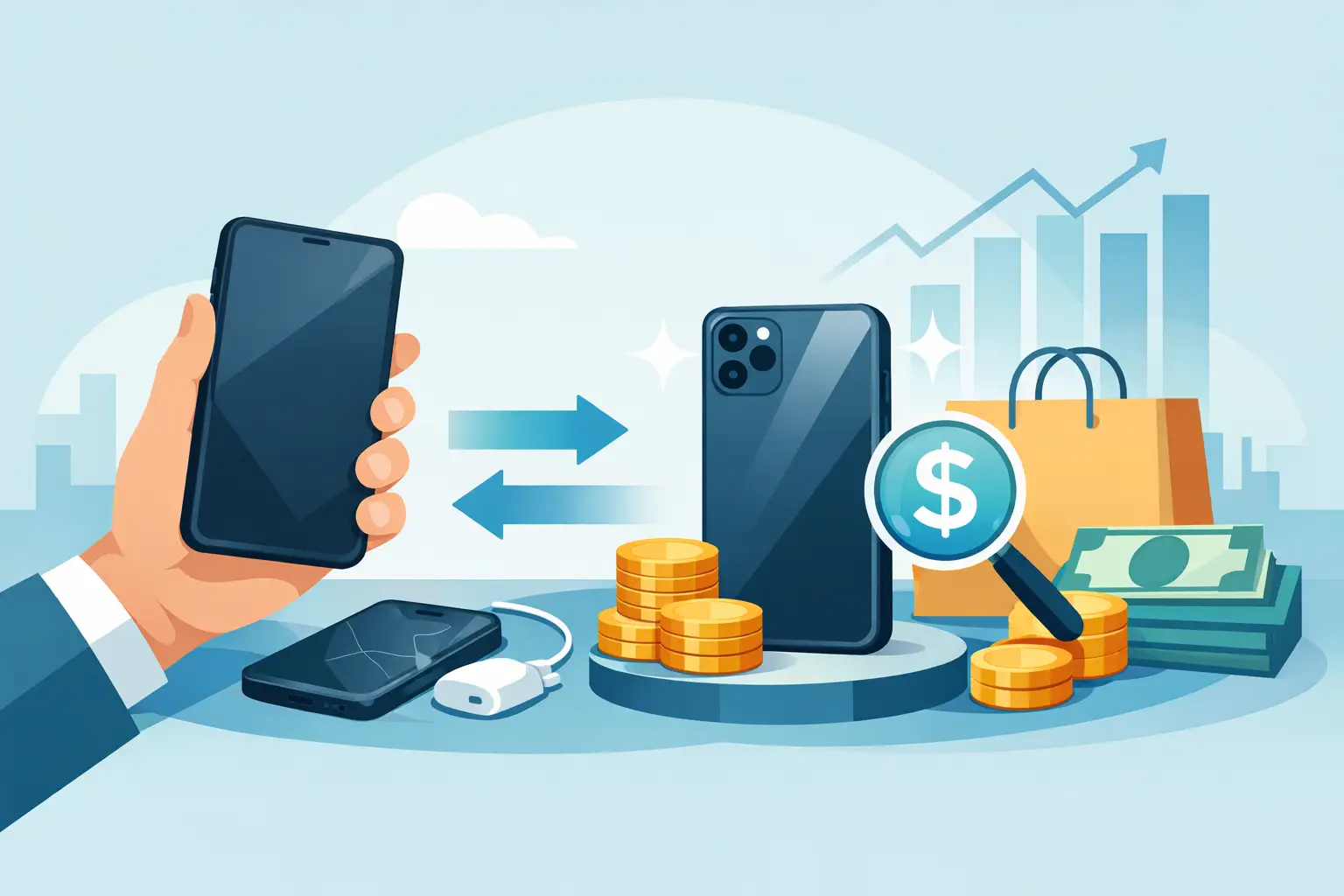
That old phone in your drawer may be worth more than you think, but only if its condition matches the quote. Getting the best trade in price is less about luck and more about knowing what buyers check, preparing the device properly, and being realistic about its age and condition.
For most people, a trade-in is the quickest way to reduce the cost of an upgrade. You hand over your current device, receive a value based on its condition and model, and put that amount toward a newer phone or take the payout. The process is straightforward, but a cracked screen, weak battery, locked account, or missing information can quickly reduce the final offer.
What Determines the Best Trade In Price?
A phone’s trade-in value starts with its model, storage capacity, and demand in the resale market. Recent iPhones, Samsung Galaxy devices, Google Pixel phones, and popular value models generally hold value better than older or less commonly requested devices. A higher-storage version can also bring a stronger offer, especially when buyers are comparing 128GB, 256GB, and 512GB variants.
Condition is the next major factor. A phone that powers on, charges normally, has a responsive display, and passes camera, speaker, button, and network checks will be valued differently from one with faults. Small cosmetic marks are common on used devices and may have a limited effect. Deep dents, cracked glass, screen burn-in, water damage, non-genuine replacement parts, or a faulty Face ID or fingerprint sensor can make a larger difference.
The device must also be fully usable. A phone that is still linked to an Apple ID, Google account, Samsung account, carrier lock, or device financing plan may not be accepted until the lock or balance is cleared. This protects both the seller and the next owner. It is also why an online estimate is usually a starting point rather than a guaranteed final price.
Check Your Phone Before Asking for a Quote
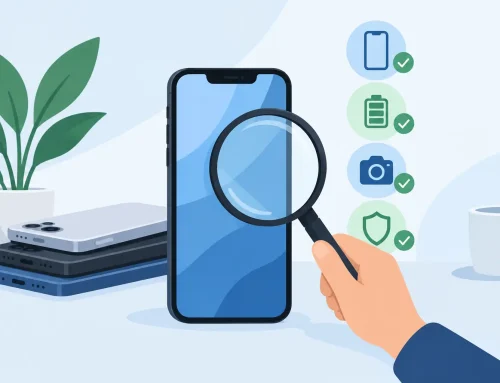
Do not wait until you are at the counter to find out your phone has a problem. Take ten minutes to inspect it while you still have time to fix a simple issue or adjust expectations. Remove the case and screen protector so you can see the actual condition of the frame, back panel, camera lenses, and display.
Test the essentials: charging, battery behavior, touchscreen response, cameras, microphones, speakers, volume buttons, power button, Wi-Fi, Bluetooth, mobile signal, and biometric unlocking. If your phone has a physical SIM tray, check that it opens properly. If the screen has lines, flickering, dead pixels, or a dark patch, mention it when requesting a quote rather than hoping it goes unnoticed.
It also helps to confirm the exact model and storage. Settings menus typically show the model name, software version, storage capacity, and serial or IMEI information. A Galaxy S24 with 256GB is not priced the same way as a 128GB model, and a Wi-Fi-only tablet is not the same as a cellular version. Clear details lead to a more accurate trade-in estimate from the start.
Be Honest About Condition
The fastest way to lose time in a trade-in is to describe a phone as excellent when it has visible damage or functional issues. Buyers inspect used devices because they need to test, clean, and resell them responsibly. Honest condition details make the process quicker and help avoid an awkward surprise when the final price is reviewed.
Think in practical terms. A phone in good condition has normal signs of use but no serious defects. A phone in fair condition may have heavier wear, noticeable scratches, battery degradation, or minor functional concerns. A damaged phone can still have value for repair or parts, but its offer will reflect the work required.
Original accessories can be useful, especially an official charger, box, or proof of purchase, but they do not always change the offer as much as the phone’s actual condition. Do not spend money buying replacement accessories solely to improve a trade-in unless the store specifically says they are required. A clean, unlocked, fully working phone matters more.
Timing Can Affect Your Trade-In Value
Phone values do not stay fixed. Prices usually fall after a new generation launches, when more people trade in the same older model, or when a particular device becomes less popular in the secondhand market. If you already know you are upgrading soon, trading in before a major launch can sometimes make sense.
That said, timing is not everything. Holding onto a phone for months just to chase a small difference in value can backfire if the device gets damaged, develops a battery issue, or drops further in demand. If you have found a phone that fits your budget and your current device is still in good condition, a direct trade-in can be the practical move.
For shoppers comparing new and verified pre-owned phones, use the trade-in value as part of the total upgrade cost. A higher-priced phone may still be the better value if your current device receives a strong trade-in offer and the replacement has the storage, battery life, and features you actually need.
Compare Quotes, But Compare the Terms Too
It is smart to get more than one quote, particularly for recent flagship phones and premium tablets. But the highest advertised number is only useful if it applies to your exact device. Check whether the quote is for an unlocked local device, whether it assumes perfect condition, and whether it is a cash value or enhanced store-credit value.
A clear quote should account for the model, storage, cosmetic condition, functionality, account-lock status, and any repairs. Be cautious with estimates that sound unusually high but do not explain the inspection process. The best deal is not always the biggest number on a screen. It is the price you can actually receive without last-minute deductions that were never explained.
At Gadget Affair, customers can bring in a device for an assessment before deciding whether to trade it in. This is useful if you want to see the condition review in person, compare upgrade options, and avoid guessing whether a small issue will affect the value.
Prepare Your Device for Trade-In Safely
Never hand over a phone before protecting your personal data. Back up your photos, chats, contacts, authenticator codes, and any files stored only on the device. Moving to a new phone is also a good time to check that banking apps, eSIM details, and two-factor authentication are ready to transfer.
Before completing the trade-in, work through this checklist:
- Back up the phone and confirm that important photos, messages, and files are accessible elsewhere.
- Sign out of Apple ID, Google, Samsung, and other account services tied to the device.
- Turn off Find My iPhone, Find My Device, or any activation-lock feature.
- Remove physical SIM cards, memory cards, cases, and personal accessories.
- Factory reset the phone only after the buyer confirms the required steps and account locks are removed.
Keep your SIM card unless you are replacing it. Your number, contacts, and mobile plan are usually connected to that SIM or eSIM arrangement, not to the phone itself. If you use an eSIM, check with your carrier or follow the transfer process before erasing the old device.
Repairs: When They Help and When They Do Not
Repairing a cracked screen or replacing a weak battery can improve usability, but it does not automatically mean you will make more money on the trade-in. First, find out how much the fault reduces the offer. Then compare that amount with the cost of a proper repair.
For example, if a screen repair costs more than the expected increase in trade-in value, trading the phone in as-is may be the better choice. Unofficial repairs can also create new issues, such as reduced water resistance, warning messages, display quality differences, or problems with biometric features. If you do repair a device, use a trusted service and keep any repair documentation.
A trade-in should make your next purchase easier, not turn into a complicated project. Clean the phone, check its condition honestly, clear your accounts, and ask for a quote based on the exact model in your hand. That gives you the best chance of walking away with a fair value and a phone upgrade that feels worth it.