A phone can look spotless, charge properly, and still have a speaker problem that only shows up when you play music or take a call. If you are wondering how to test phone speakers, do not rely on hearing a ringtone for two seconds. A proper check takes a few minutes and can save you from buying a device with weak sound, distortion, or a blocked earpiece.
This is especially useful when comparing used phones. Speaker faults are not always obvious in product photos, and a previous drop, water exposure, or pocket dust can affect sound quality even when the screen and body look fine.
Start With the Right Setup
Remove any thick case, magnetic wallet, or accessory that could cover a speaker grille. Check the bottom speaker holes and the earpiece at the top of the display for lint, dust, or visible damage. A blocked grille does not always mean the speaker is faulty, but it can make sound seem much quieter than it should be.
Turn off Bluetooth before testing. Otherwise, your phone may be sending audio to wireless earbuds, a car system, or another paired device. Also set the media volume to around 70 to 80 percent first. Testing immediately at maximum volume can make normal compression in a low-quality video sound worse than it is.
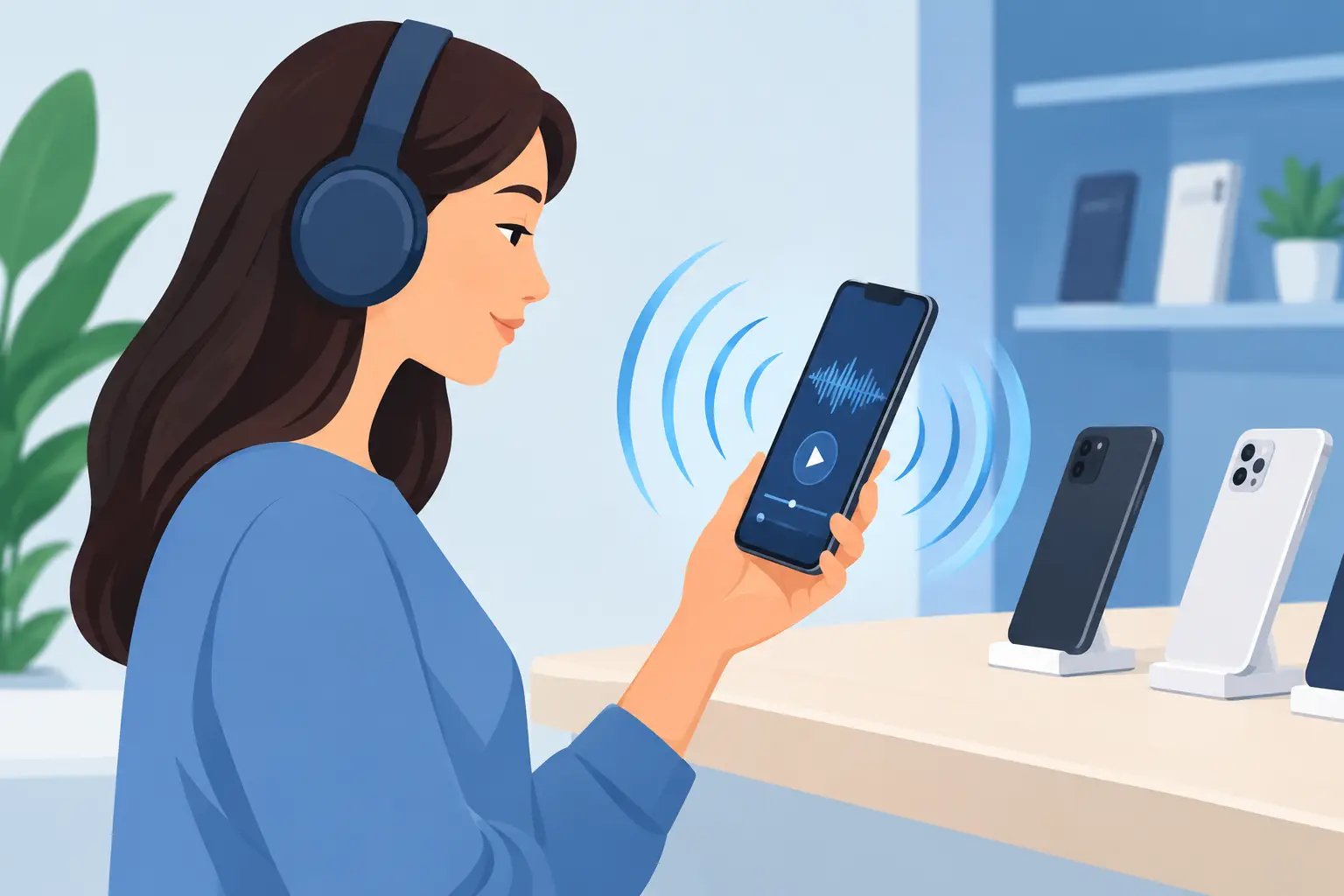
Use a familiar song, podcast, or video with clear voices. A track with vocals, bass, and higher notes is better than a constant ringtone because it reveals more of the speaker’s range. Avoid judging a phone only with a social media clip, since the original recording may already be distorted.
How to Test Phone Speakers Step by Step
Begin with the main loudspeaker. Play your chosen audio and raise the volume gradually from low to high. Listen for a clean increase in volume. The sound should not suddenly disappear, jump up and down, or become harsh at a moderate level.
Next, listen closely for crackling, buzzing, rattling, or a thin metallic sound. A little distortion at absolute maximum volume can happen on smaller phones, especially with bass-heavy music. But obvious crackling at normal listening volume is a warning sign. It may point to a damaged speaker driver, loose internal component, or moisture-related issue.
Then test the phone at different angles. Hold it normally, place it on a table, and lightly cover one speaker opening at a time with a finger. Many phones use a bottom-firing speaker plus the top earpiece for stereo sound. Covering one side should reduce part of the audio, but it should not cause all sound to vanish. This simple check helps you confirm whether both channels are working.
Finally, play spoken audio. Voices should sound clear and centered, not muffled or unusually distant. Music can hide a weak earpiece speaker, while a podcast or voice recording makes the problem easier to hear.
Check the earpiece during a call
The earpiece is separate from the bottom loudspeaker on most phones. Make a regular phone call, use a voice-call app, or play a voicemail and hold the phone to your ear. Increase the call volume with the side buttons.
A healthy earpiece should be easy to hear in a reasonably quiet room. If voices are faint even at full volume, muffled, cutting in and out, or only audible on speakerphone, there may be an earpiece issue. Before assuming the hardware is bad, make sure the screen protector is not covering the earpiece grille and that call noise reduction settings are not affecting the test.
Test speakerphone and microphone together
Make a short call on speakerphone and ask the other person whether your voice is clear. This checks more than the speakers, but it is worth doing before buying a used device. A phone may play music loudly but still have microphone trouble during calls.
Listen for feedback, echo, or audio that breaks up when the speakerphone is active. Some echo can come from the call connection or the other person’s phone, so repeat the test if possible. Consistent problems are more meaningful than one poor call.
What Normal Phone Speaker Sound Should Be Like
Small phone speakers are not meant to replace a Bluetooth speaker. Even premium models will have limited deep bass, and thinner devices may sound less full than larger phones. What matters is balance and consistency.
At everyday volume, sound should be clear enough for videos, calls, alarms, and casual music. At higher volume, it may lose some bass, but vocals should remain understandable. One side of a stereo setup may be quieter than the other because the earpiece is smaller. That is usually normal. A major imbalance, where one channel is barely audible, is not.
Compare like for like when you can. A compact budget phone should not be judged against a flagship with larger stereo speakers. Instead, compare it with another unit of the same model or check whether it performs well for your own needs. If you mostly use earbuds, speaker quality may matter less. If you take calls hands-free or watch videos without headphones, it deserves more weight in your buying decision.
Common Speaker Problems and What They Usually Mean
Muffled sound is often caused by dust or lint in the speaker grille. It can also happen after water exposure. Do not poke the holes with a pin or metal tool, as that can damage the protective mesh or speaker itself. A soft, dry brush is the safer first option.
Buzzing or rattling at certain notes may mean the speaker driver is damaged. It can also be a loose grille, a poorly fitted case, or vibration from an accessory. Remove accessories and test again before writing off the phone.
No sound from media can be a settings issue. Confirm that media volume is up, Do Not Disturb is not limiting alerts, Bluetooth is off, and the phone is not stuck in headphone mode. Restarting the device can clear a temporary software glitch.
Sound that cuts out only when the phone is moved may indicate a hardware connection issue, particularly if the device has been dropped or repaired before. That is not a fault to ignore on a used phone, even if the speaker starts working again after a restart.
Use Built-In Diagnostics When Available
Some Android brands include a hardware test menu or a diagnostics app that lets you test the receiver, speaker, vibration motor, and microphones individually. The exact path varies by manufacturer, so look in Settings for options such as Device Care, Diagnostics, Support, or Hardware Test.
On iPhones, there is no standard user-facing speaker test menu for every model. The practical approach is to test media playback, ringtones, phone calls, speakerphone, and Siri or voice recordings. If an iPhone shows a speaker icon that is grayed out during calls, or call audio will not activate properly, it may need professional inspection.
Diagnostic tools are helpful, but trust your ears as well. A test that reports the speaker is functioning does not always catch mild distortion, low output, or a sound imbalance that will annoy you later.
Testing a Used Phone Before Paying
When you inspect a pre-owned device, test its speakers before completing the purchase. Bring a familiar audio clip on your own phone, or ask to use a store’s test audio. Check media playback, the earpiece, speakerphone, and volume buttons. Take a minute to inspect the grille for dents, corrosion, or heavy buildup.
If a seller says the sound is normal but you hear clear crackling, do not talk yourself into accepting it. Speaker replacement can be straightforward on some models, but repair costs and parts availability vary. On water-damaged devices, a speaker issue can also be the first sign of a wider problem.
For extra peace of mind, buy from a retailer that allows you to inspect and test used devices in person. At Gadget Affair, a quick in-store sound check is a sensible part of evaluating any pre-owned phone, alongside the screen, cameras, charging port, battery condition, and network functions.
When Cleaning Is Enough and When Repair Makes Sense
If the sound is only slightly muffled and the grille is visibly dusty, gentle cleaning may solve the problem. Keep liquids, compressed air at close range, and sharp objects away from the speaker openings. These quick fixes can cause more damage than the dirt itself.
If crackling continues after a restart and basic cleaning, the speaker likely needs a repair assessment. The same applies when the earpiece is very quiet, one stereo channel has failed, or the phone has a history of water exposure. Back up the device before sending it for repair, especially if it is behaving oddly in other ways.
A good speaker test is simple: use real audio, test both loudspeaker and earpiece, and listen at more than one volume level. Five careful minutes before you buy can be worth far more than a good-looking deal.